


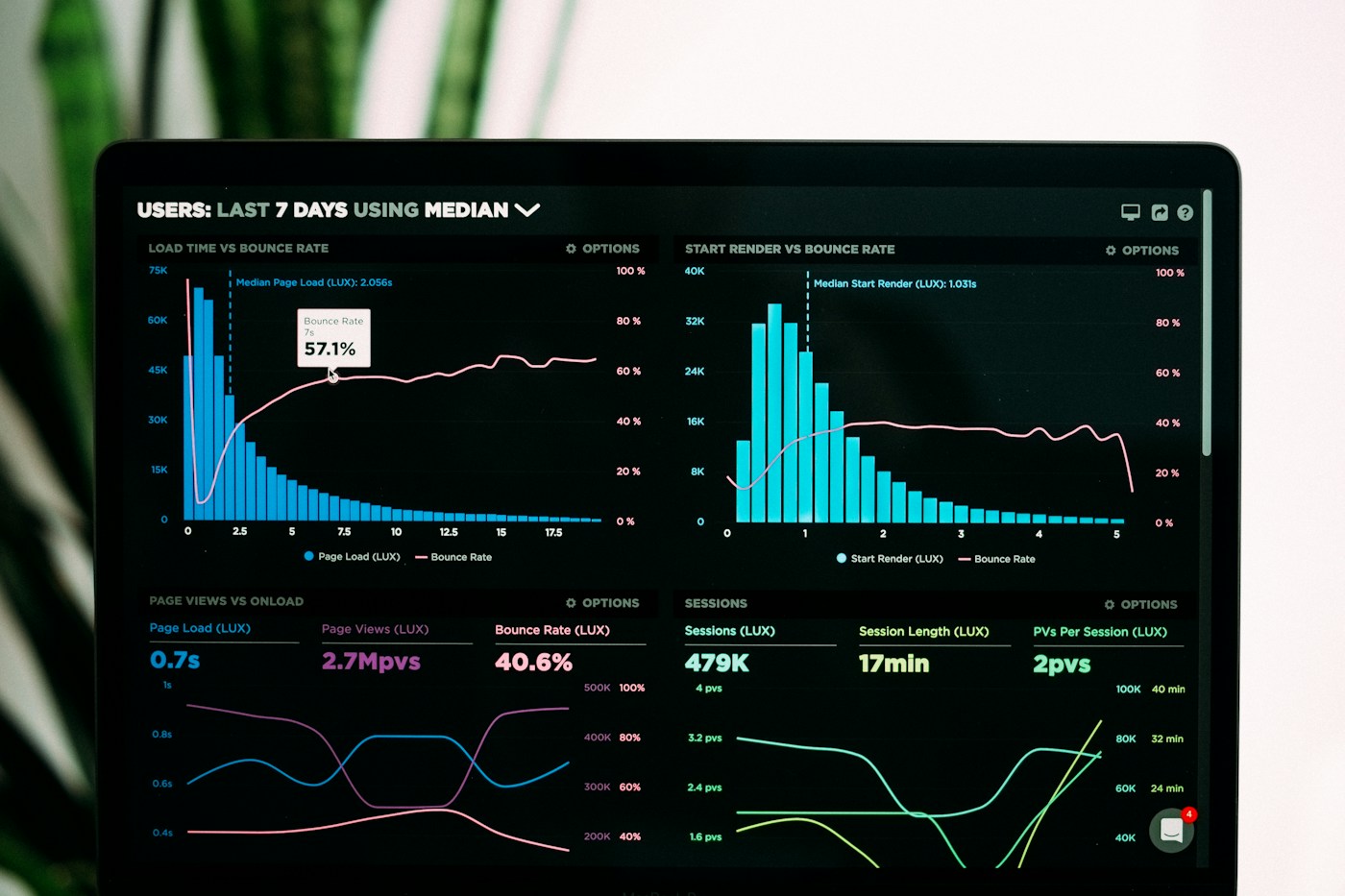
A web app development company in Chennai builds software that runs in the browser, such as customer portals, CRM, billing, booking and management systems. Common technologies are PHP, Laravel, MySQL and JavaScript. Choose a company that shows live web apps, explains the plan in simple words and gives you ownership of the code.
What is a web app?
A website mostly shows information. A web app lets people do things. They log in, enter data, see reports, place orders or track status. You open it in a browser on a phone or computer, and nothing needs to be installed.
Think about the difference. A restaurant website shows the menu. A web app lets staff take table orders, send them to the kitchen and print the bill. Both run in a browser, but the second one is a system.
Common use cases for Tamil Nadu businesses
Here are web apps that many Chennai and Tamil Nadu businesses find useful.
- CRM: keep customer details, enquiries and follow-ups in one place.
- Billing and invoicing: create GST-ready bills and track payments received.
- Inventory and stock: know what is in the shop and what to reorder.
- Order management for distributors: dealers log in and place orders.
- School and tuition management: students, fees, attendance and results.
- Clinic and lab systems: appointments, patient records and reports.
- Booking systems: halls, vehicles, services and appointments.
- Job portals and matrimony-style listings.
- Employee and HR tools: leave, attendance and documents.
- Client portals: customers see project status and download documents.
If one of these sounds like your daily headache, a web app can probably help. For a wider view of bespoke projects, read custom web development in India.
Features most web apps need
- Login with secure passwords.
- Different roles, such as admin, staff and customer.
- A dashboard that shows important numbers at a glance.
- Forms to add and edit data.
- Search and filters.
- Reports you can download as Excel or PDF.
- Email, SMS or WhatsApp notifications.
- Mobile-friendly design.
- Backups and activity records.
You do not need every feature on day one. Start with what saves the most time.
Technologies in simple words
- PHP and Laravel: the engine of the app. Laravel helps developers build secure, organised apps faster.
- MySQL: the database where your information is stored.
- JavaScript: makes the screens quick and interactive.
- APIs: allow your app to connect with payment gateways, SMS, WhatsApp, accounting tools and shipping partners.
- Hosting and SSL: where the app runs and how its traffic stays secure.
A good company explains why it picks each tool for your project, instead of using the same tools for everything. To understand when a template is enough, read WordPress vs custom website.
How we suggest starting: a small first version
Many owners want everything in one go. That often delays the project. A better way is to build a first version with the most important features, use it for a few weeks, and then improve it with real feedback.
For example, a distributor may start with dealer login and order entry. After a month, add invoices and stock. After three months, add reports. Each step brings a visible benefit.
Steps in a web app project
- Understand the problem. How does your team work today?
- List the features in order of importance.
- Design the screens. You see how it will look before coding.
- Build in stages. You review each stage.
- Test with your own team on real data.
- Launch on your own hosting.
- Train your staff and fix small issues.
- Plan regular updates and support.
To estimate timing, see how long website design takes.
Security and data safety
Your web app will hold business data, so ask:
- Is the app protected with SSL?
- How are passwords stored?
- Are user roles limited so staff only see what they need?
- How often are backups taken, and where are they kept?
- Who can access the server?
- What happens if something goes wrong?
Questions to ask a web app development company
- Can I see live web apps you have built?
- Which technology will you use and why?
- Will I own the source code and the data?
- How will you handle changes after launch?
- Who will support us, and how quickly do they reply?
- Can the app grow when my business grows?
You can find more in our list of 12 questions to ask a web design company, and our guide to the best web development companies in Chennai.
Red flags
- Only screenshots, no live demos.
- No clear requirement document.
- They will not share the source code.
- They promise everything in a few days.
- No plan for support or backups.
Build your web app with Sanishsoft
We build web applications with PHP and Laravel and also handle domain, hosting and SSL. Share your idea, even if it is rough, and we will help turn it into a clear plan. Call +91 90801 46764 or message us on WhatsApp. You can also read about our web application development services.
See our Sanishsoft website development services or contact Sanishsoft directly.
Frequently Asked Questions
What does a web app development company do?
It builds software that runs in the browser, such as portals, CRM, billing, booking and management systems, tailored to a business.
What is the difference between a website and a web app?
A website mainly shows information. A web app lets users log in, enter data, place orders and see reports.
Which technologies are used for web apps in Chennai?
Common technologies include PHP, Laravel, MySQL and JavaScript, along with APIs for payments, SMS and other tools.
Can I start with a small web app and grow later?
Yes. Starting with the most useful features and adding more over time is often the safest way.
Will I own the source code of my web app?
You should. Confirm ownership of code, data, domain and hosting in writing before the project begins.
Need a Professional Website?
Let's discuss your website requirements and get a suitable solution for your business.